Import an image or paste from the clipboard. Use browser screen sharing where supported, or the desktop app for native display, window and region capture.
See capture tools
Web + Desktop: image import and clipboard paste; browser capture uses the browser’s supported screen-sharing chooser.
Desktop app only: native screen/window/region selection, global capture shortcuts and Capture to Library.
Delay: prepare menus, hover states and popups before capture. Desktop shortcuts can also start delayed snips.
Cursor controls: choose how the cursor appears in supported desktop capture flows.
Current renderer · Illustrative content
Web + Desktop
Edit and annotate
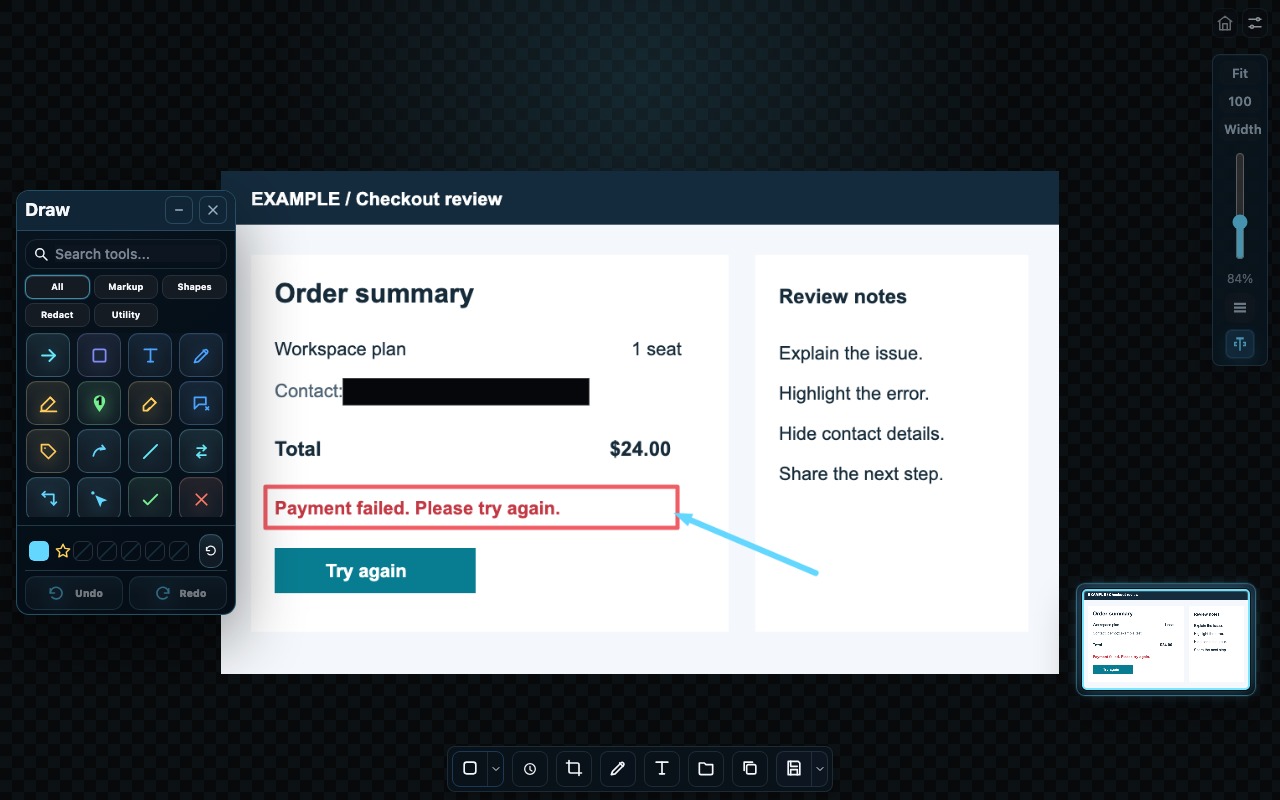
Crop to the important detail, then explain it with arrows, shapes, text, highlights and numbered steps.
See editing tools
Crop: free crop, selection handles, full-image reset, Auto Trim and 1:1, 4:3, 16:9 or 9:16 aspect ratios.
Markup: freehand drawing, arrows/connectors, shapes, labels, callouts, text and numbered steps.
Emphasis: Spotlight, Magnifier, Cursor Click, emoji and ruler tools.
Layers and history: select, hide, lock or delete annotations; use undo/redo as you refine the snip.
Current renderer · Illustrative content
Web + Desktop
Redact
Blur or pixelate an area to obscure detail, or cover it with blackout or whiteout. Review the finished export before sharing.
See redaction tools
Blur and pixelate: soften or mosaic selected image regions.
Blackout and whiteout: cover selected regions with solid blocks.
OCR-based redaction: find supported sensitive text patterns and apply redaction to detected areas.
Editable work: marks remain editable in the workspace; redacting an export does not remove the original from saved editable work.
Current renderer · Illustrative content
Web + Desktop
Extract text
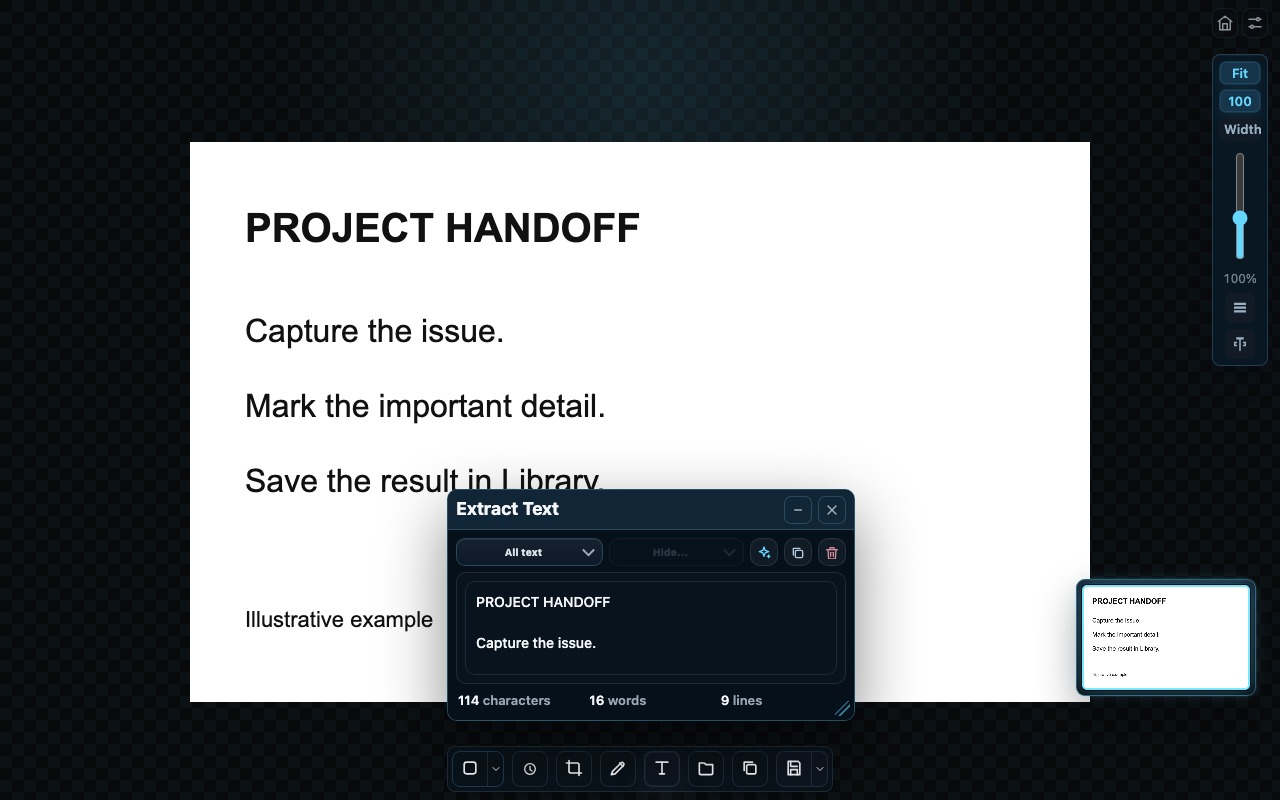
Read text from the whole image or a selected area. Clean it up, copy it and keep recognized text searchable with saved snips.
See OCR tools
Whole image or selection: extract text from the part you need.
Useful details: filter detected text for emails, links, phone numbers, prices and dates.
Reuse: edit or clean extracted text, then copy it without retyping.
Saved OCR: retain recognized text with Library items for search and later reading.
Current renderer · Illustrative content
Web + Desktop
Library and Tasks
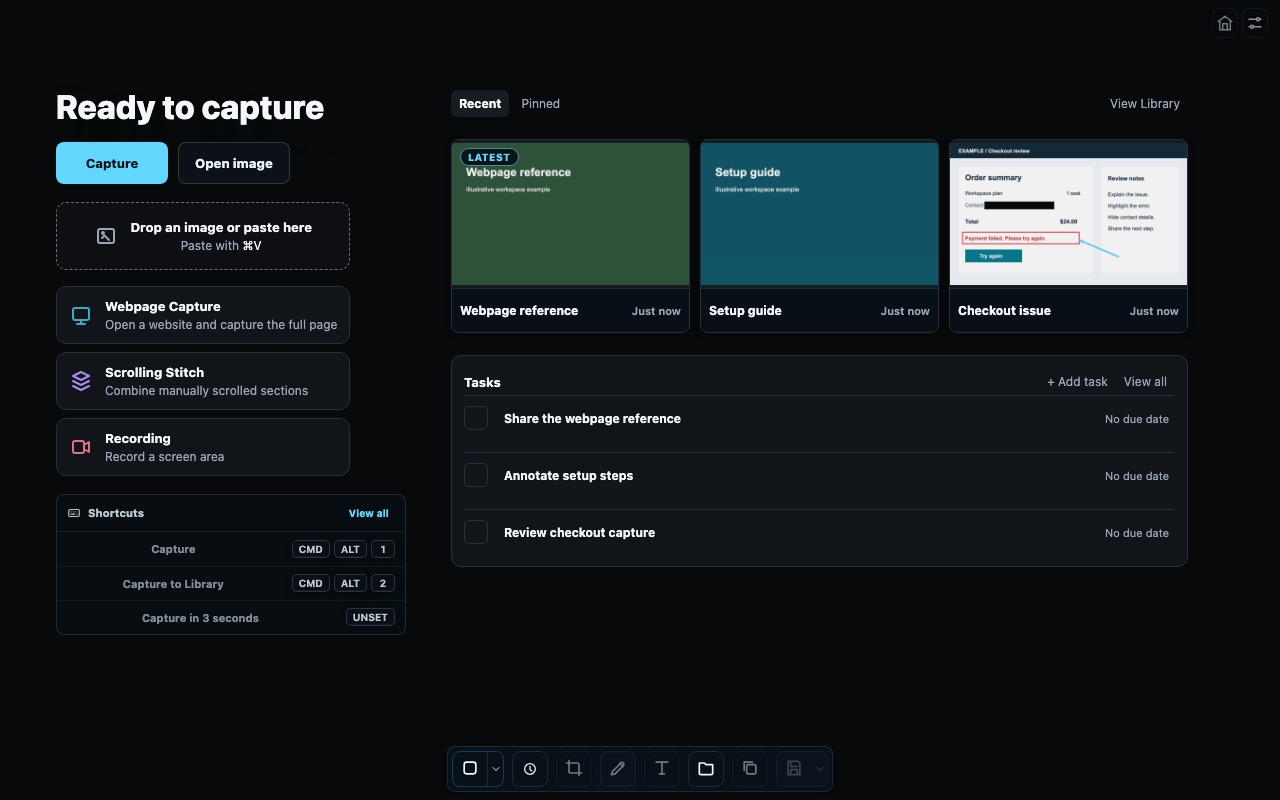
Keep images and recordings close, favorite useful items, add notes and find them through search. Link tasks to saved work and track due dates and completion.
See organization and export tools
Library: grid/list/gallery views, favorites, notes, tags, collections, filters and OCR text search.
Tasks: linked snips/Canvases, details, priority, due dates, completion and overdue/today indicators.
Visual workspaces: arrange saved work in Map or compose it in Canvas; compare captures and use bulk selection and arrangement actions.
Export: copy finished images or save PNG, JPG and PDF; export selected Library items as ZIP.
Backup and restore: export and merge a full workspace including media, metadata, Tasks, Canvases, Map state and preferences.
Local management: import/export batches, reuse saved work, manage recordings and move unwanted items to Trash.
Map, Canvas, Compare and full-workspace backups are available in desktop browsers and installed apps; these are not companion-mobile views.
Map in the current renderer · Illustrative saved work
Current renderer · Illustrative contentDesktop app only
Desktop capture modes
Choose the workflow that fits the content.
Webpage Capture
Open a website inside 1Snip and capture the loaded page as one image.
How it works
Preparation starts on Capture. 1Snip loads lazy content within a bounded preparation budget, checks page stability and captures one Chromium image. Virtualized or unfinished content may be absent.
Scrolling Stitch
Select an area, Start, scroll manually, then Stop to combine accepted sections.
How it works
Keep the selected area on scrollable content, excluding fixed toolbars where possible. Manual overlap remains available; joins can be imperfect.
Recording
Record a selected screen area with a three-second countdown and Pause/Resume.
How it works
Stop saves; Cancel discards. Output is silent 30fps WebM. Captured time excludes pauses, and interrupted recordings may be offered for recovery.
Put the tools to work.
Try the web workspace now or choose a desktop download for native capture tools.